Your First Trade: A 5-Minute Walkthrough
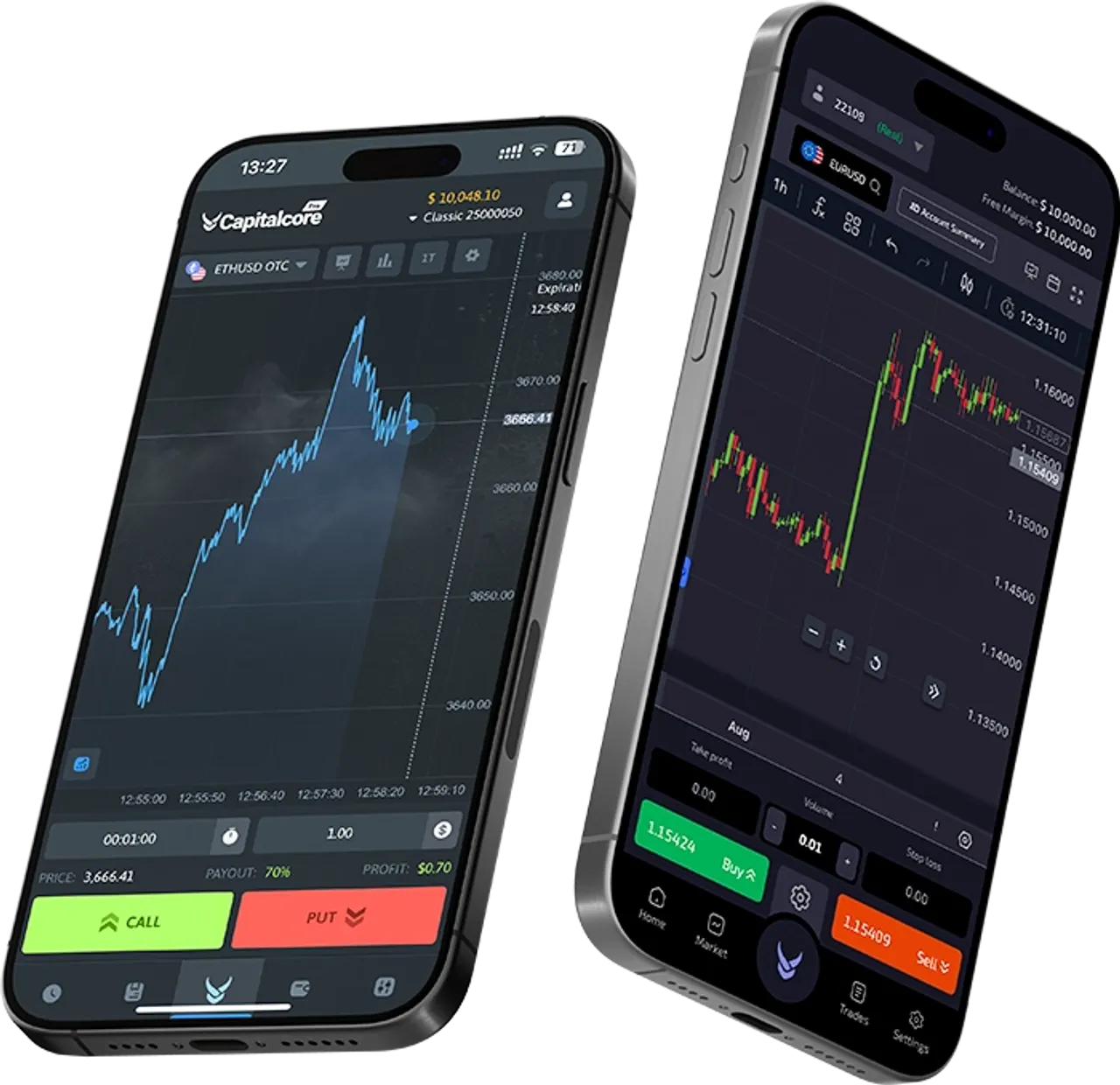
Opening your first trade can feel daunting, but on the Fidorix platform the entire flow is designed around clarity. Once you log in and fund your account — or open a free demo account to practise with virtual funds first — head to the Markets tab and pick a currency pair. EUR/USD is a popular starting point because of its tight spreads and ample liquidity during European and US sessions.
Placing the order
With your pair selected, you’ll see a live chart alongside a simple order panel. Choose your trade size — minimums vary by account type, and the platform shows you in real time exactly how much capital is at stake — then set an optional stop-loss to cap your downside before you click Buy or Sell. The order confirmation screen gives you one final moment to review before the position goes live.
A stop-loss isn’t optional discipline — it’s the difference between a bad trade and a bad week. Set it before you click, every time.
Managing the position
While the trade is open, the Positions drawer at the bottom of the screen tracks your unrealised P&L tick by tick. You can modify the stop-loss or take-profit at any time by clicking the edit icon next to the position. When you’re ready to exit, a single tap on the Close button locks in your result and returns the margin to your available balance instantly.
The essentials, at a glance:
- Trade size — see your capital at risk before you commit
- Stop-loss — cap your downside automatically
- Take-profit — lock in gains without watching the screen
- Close — exit instantly and free up your margin
Reviewing what happened
Your full trade history — entry price, exit price, duration, and net result — is available under the History tab. Reviewing these records regularly is one of the best habits you can build early. Every trade teaches you something; the platform makes sure that lesson is always a click away.
Fidorix Editorial Team
Trading Education & Market Research
The Fidorix Editorial Team writes practical, jargon-free guides on forex, binary options, and disciplined trading — built from the same tools and data our traders use every day.
Was this helpful?
Start applying what you've learned — open a free Fidorix account and trade with confidence.